₫25.000
IES overview: https://youtu.be/1BVZE_8Lfo0
really quick setup: https://www.youtube.com/watch?v=_dcMeye3qJ8
— DISCLAIMER —
This is not effects package! It’s a system that can be easily combined with any assets, your own or from Marketplace.
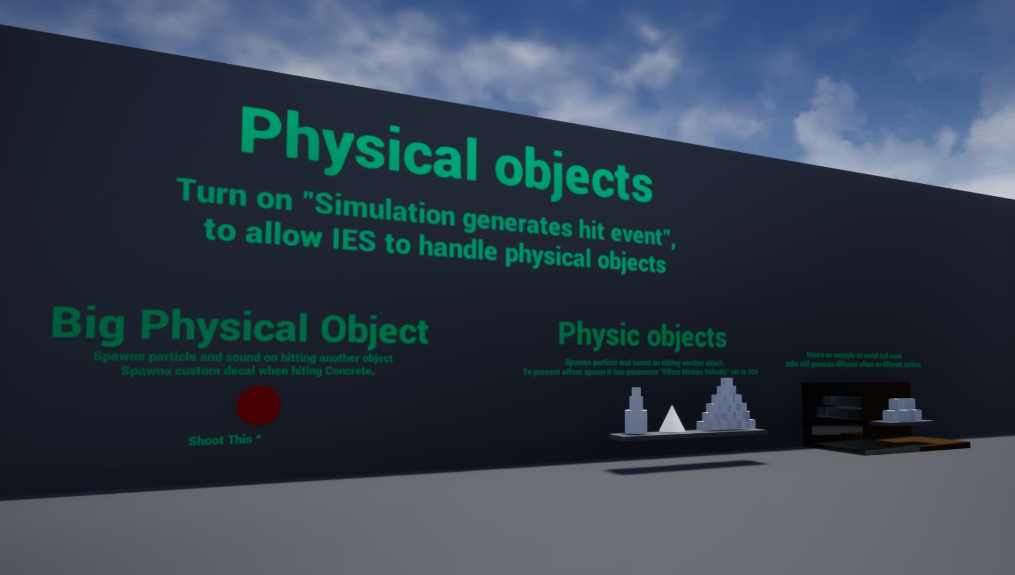
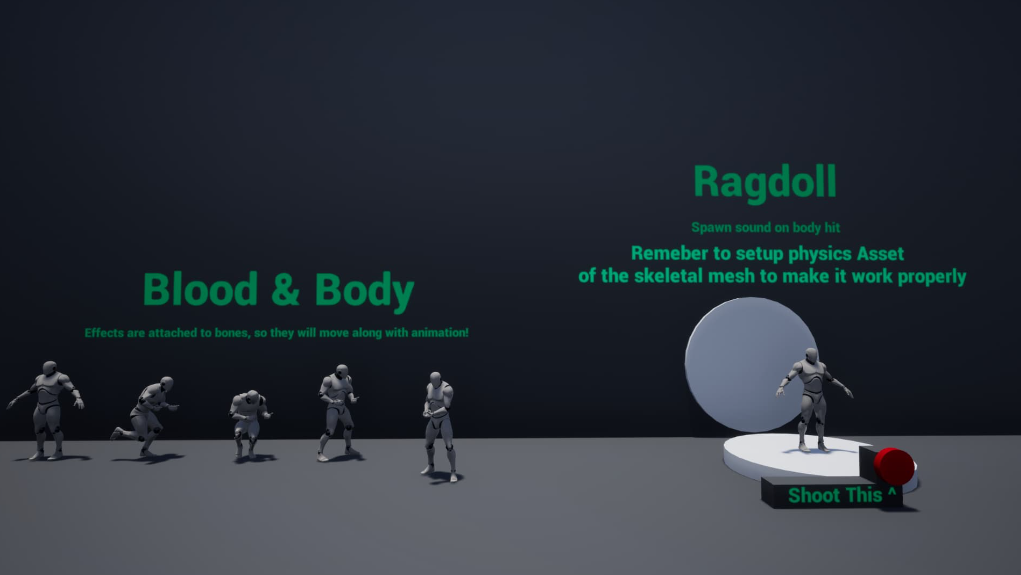
Setup effects for all collision events in your game – projectiles hitting different surfaces, thrown chairs, boxes or falling body – anything that generates Hit Event now will also spawn Particle, Sound and Decal.
Super easy to setup – just add the component to an actor, and that’s it!
Full documentation, and movie clips to help you move around.
You want to know more? See FAQ:
https://docs.google.com/document/d/1ge7OEVT9GG3gOAiuE6VO5M0YI6Xiw-ZcgVsd7pS0sv0/edit
Update 08.10 – added support for 4.22
Features:
Number of Blueprints: 4 core + 11 examples
Input: No
Network Replicated: No (see: FAQ)
Supported Development Platforms: Windows
Supported Target Build Platforms: Windows, Mac, Xbox, PS, Android, IOS, VR
Documentation: https://docs.google.com/document/d/1l8WEPxzPqtF8ydzmkis-BYvKe5F1BtW1p8p671mqSnA/edit#
FAQ: https://docs.google.com/document/d/1ge7OEVT9GG3gOAiuE6VO5M0YI6Xiw-ZcgVsd7pS0sv0/edit